How to make a Dame Hombro AI video from one photo
Make the viral Dame Hombro video with AI: one photo, a cut and a quality, and you get Bulin 47’s freestyle and shoulder bounce with your face and the original audio. Steps, photo tips and prices.
By Dame Hombro AI · Updated · 5 min read
| What it takes | |
|---|---|
| Input | One photo of one adult, facing the camera, head to waist in frame |
| Cuts | Hook · 5 s, Freestyle · 12 s, Full verse · 23 s |
| Quality | 480p, 720p, 1080p |
| Sound | The original street freestyle audio, lip-synced |
| Time | A few minutes; you can close the tab while it renders |
| Output | Vertical MP4 for TikTok, Reels and Shorts |
What is a Dame Hombro AI video?
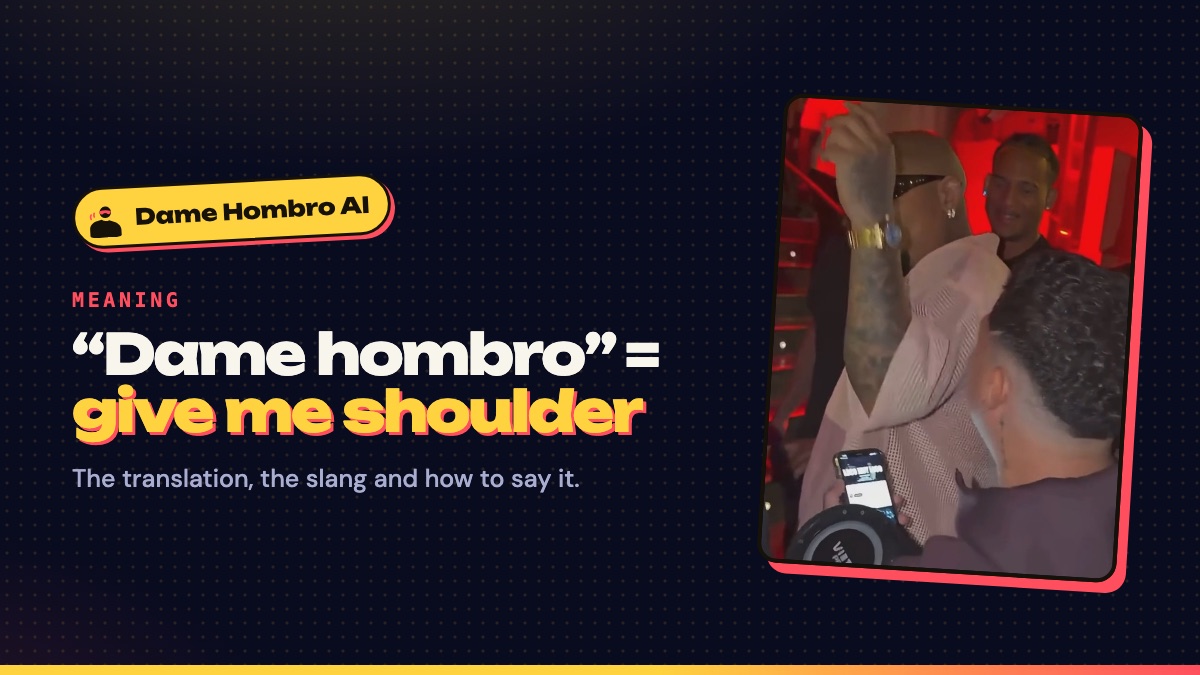
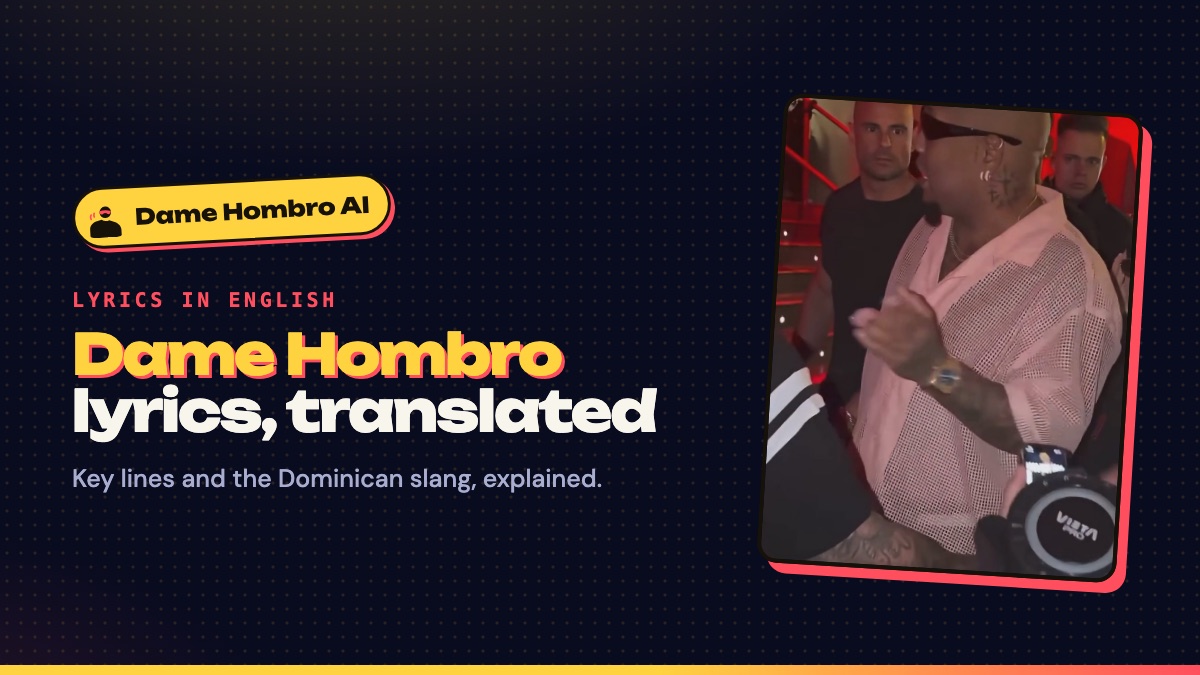
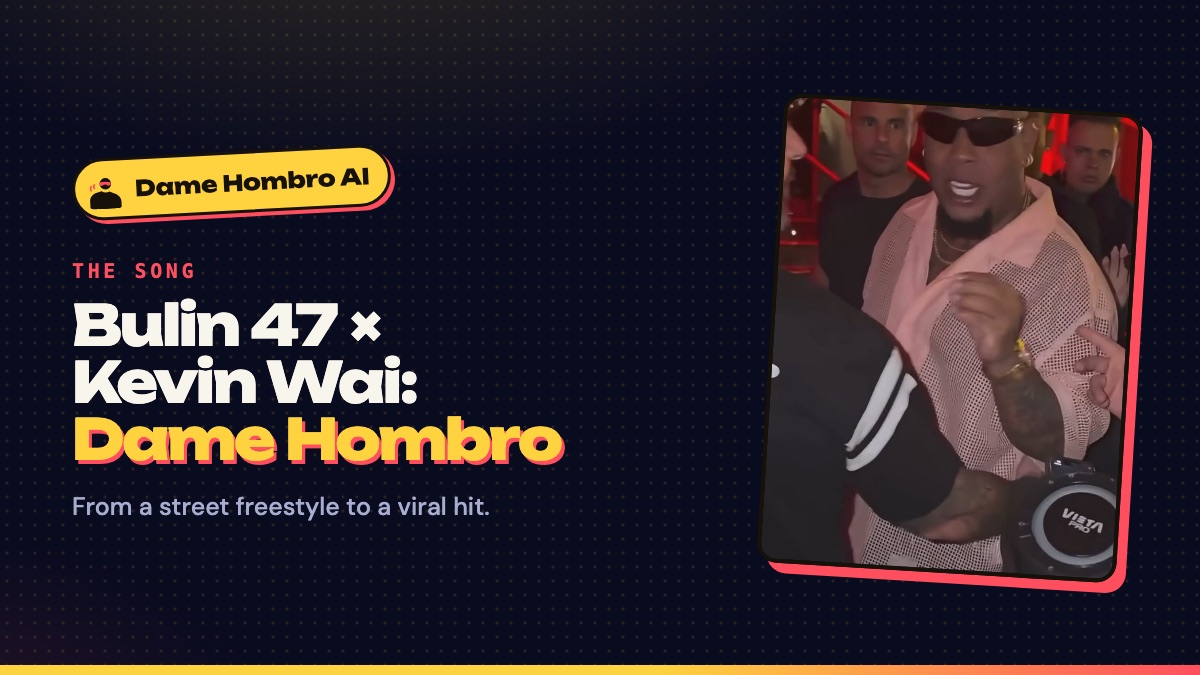
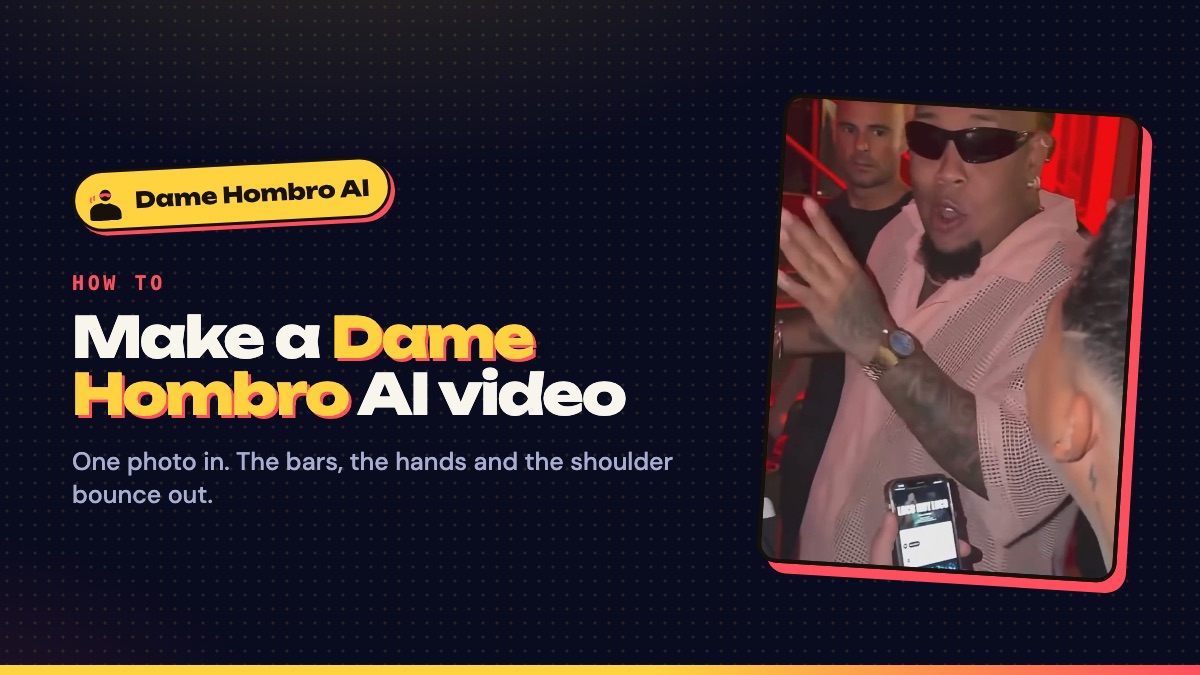
It is your own version of the clip behind the song “Dame Hombro”. In early October 2026 creator Kevin Wai stopped Dominican dembow artist Bulin 47 outside a venue in Spain with a phone and a speaker, and Bulin freestyled on the spot, bouncing his shoulders to the beat. The clip went viral, the two released “Dame Hombro” (“give me shoulder”) a few days later, and people started using AI to put themselves in Bulin’s place.
A Dame Hombro AI video keeps everything about the original (the handheld camera, the red-lit entrance, Kevin Wai with the speaker, the bodyguards, the crowd and the audio) and swaps only the man in the sunglasses for you. If you are new to the phrase, start with what “dame hombro” means.
Step 1: pick a photo that shows your shoulders
The photo is the only thing you control, so it decides how good the video looks. The AI has to animate your face and move your shoulders, which means it needs to see both.
- One person only. Group photos confuse the model about who should do the dance.
- Head to waist in frame. A tight face crop leaves the AI guessing your shoulders and body.
- Face the camera, in even light. Front-on, eye-level photos keep your likeness best.
- No sunglasses, no beauty filter. The AI needs your eyes, and filters make faces drift.
- Only adults who agreed to it. Photos of celebrities, public figures and anyone under 18 are not allowed.
Step 2: choose a cut
There are three cuts of the same freestyle. All of them include the shoulder bounce; they differ in length and price.
| Cut | Length | What happens | From |
|---|---|---|---|
| Hook | 5 s | Just the opening bars. Quick, cheap and loops well. | 50 credits |
| Freestyle | 12 s | The stop, the bars, the hands up and the shoulder bounce. The cut most people post. | 100 credits |
| Full verse | 23 s | The whole freestyle, laughs, crowd and shoulders included. | 300 credits |
Freestyle is the one most people post. Hook is the cheapest way to try it and loops well on TikTok. Full verse is the whole moment, including the laughs and the crowd at the end.
Step 3: choose a quality
480p is quick to share and the cheapest. 720p is sharp enough for most phones. 1080p gives the most detail in your face and hands, and costs three times the 480p price. The exact credit cost is shown on the Generate button before you press it.
Step 4: generate and download
Press Generate and sign in if you have not yet. Rendering usually takes a few minutes. You can leave the page: the video keeps rendering and appears under “My videos” when it is done, where you can watch it full size and download the MP4. Videos stay there for 14 days, so save the ones you want to keep.
How to post your Dame Hombro AI video
- Upload the MP4 to TikTok, Instagram Reels or YouTube Shorts as a normal post. It is already vertical.
- Turn on the platform’s AI-generated content label. TikTok, Instagram and YouTube all ask for it.
- Keep the original sound, or add the studio song “Dame Hombro” from the app’s sound library and lower the original volume. Using the in-app sound keeps the song credited to Bulin 47 and Kevin Wai.
- Tag it #damehombro so it lands next to the rest of the trend.
More posting ideas, and how to do the dance without AI, are in the Dame Hombro dance and TikTok trend guide.
Fixing a video that looks off
- The face doesn’t look like you: use a sharper, front-on photo in better light, with no sunglasses or filter.
- The shoulders or arms look strange: use a photo that shows you from the head to at least the waist, with your arms visible.
- The video failed: the credits go back to your balance automatically. Try again with a clearer photo of one person.