How to do the Dame Hombro dance and the TikTok trend, with or without AI
The Dame Hombro dance is a shoulder bounce on the dembow beat. Step-by-step moves, how to post the trend on TikTok with the official sound, and how to make the viral Bulin 47 version with AI.
By Dame Hombro AI · Updated · 5 min read
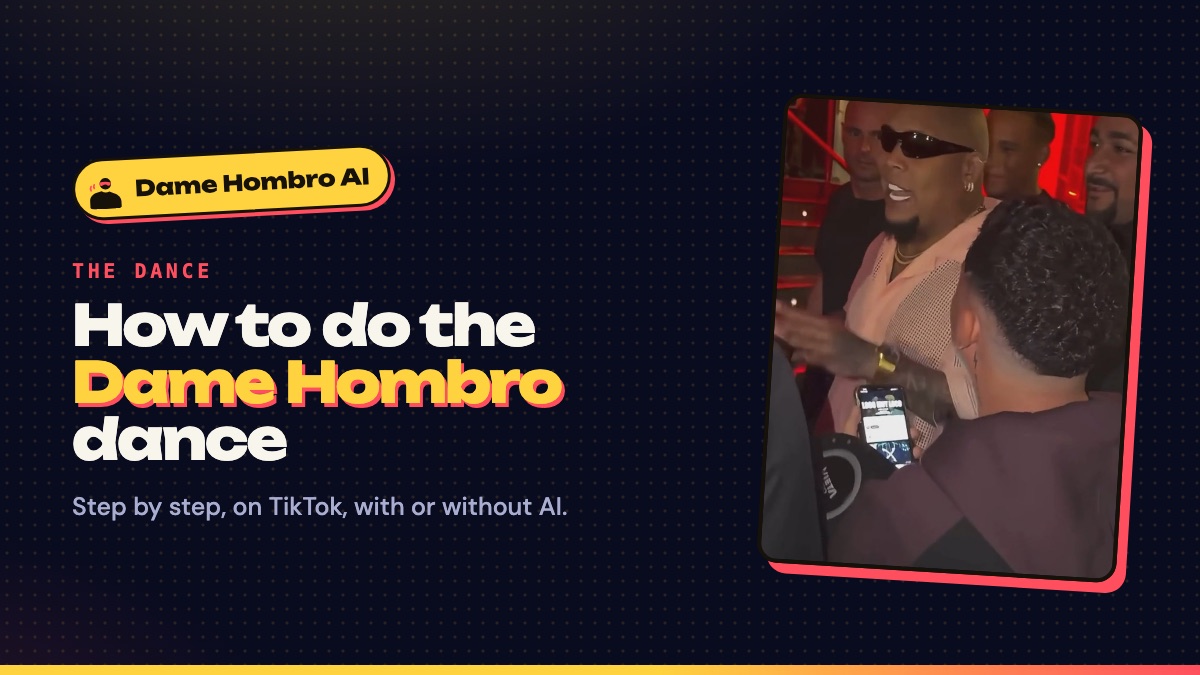
How to do the Dame Hombro dance, step by step
- Set your stance. Feet a little wider than your hips, knees slightly bent. The move lives in your upper body, so your feet barely move.
- Let your arms hang loose. Tense arms make the bounce look stiff. Shake them out first.
- Find the beat. Dembow has a steady, fast pulse. Nod your head to it before you add anything else.
- Pop one shoulder, then the other. Lift your right shoulder on one beat and drop it, then your left on the next. On the “chay, chay, chay” ad-libs, go faster.
- Add a small chest bounce. Let your chest rise a little with each shoulder. That is what makes it look relaxed instead of mechanical.
- Point on the hook. On “dame hombro, ma” and “dame hombro, pa’”, point at the camera, the way Bulin 47 talks straight into Kevin Wai’s phone.
- Finish loose. Throw one arm up and laugh, like the end of the original clip. Nobody does it perfectly; enjoying it is the point (“los hombros se mueven solos cuando estoy contento”).
How to do the Dame Hombro trend on TikTok
- Tap + in TikTok, open Sounds and search “Dame Hombro”. Pick the official track by Bulin 47 and Kevin Wai.
- Prop your phone vertically at chest height and frame yourself from the head to the waist.
- Face a window or a lamp. Even light on your face reads better than a dark room with a bright background.
- Set the timer, start a few seconds before the hook, and record two or three takes.
- Post with #damehombro and #bulin47 so it shows up with the rest of the trend.
On Instagram Reels and YouTube Shorts it works the same way: add the song from the app’s audio library so it stays credited to the artists.
How to do the Dame Hombro trend with AI
The other half of the trend is AI: instead of filming yourself, you put your face into the original street freestyle, so it looks like Kevin Wai stopped you with the speaker. With Dame Hombro AI you upload one front-facing photo with your shoulders in frame, pick a cut and a quality, and download a vertical MP4 with the bars, the hand gestures, the shoulder bounce and the original audio. Turn on the platform’s AI-generated label when you post it. Full steps are in how to make a Dame Hombro AI video.
| Film it yourself | Dame Hombro AI | |
|---|---|---|
| What you need | A phone, some space, a few takes | One photo |
| What it looks like | You dancing to the song, wherever you are | You in the original freestyle clip |
| Sound | “Dame Hombro” from the app’s library | The original freestyle audio, lip-synced |
| Cost | Free | Credit packs, no subscription |
| Best for | Showing your own moves | The “Kevin Wai stopped me” joke |
Dame Hombro trend ideas
- Side by side: the original clip on one half of the screen, your take on the other (TikTok’s Duet does this).
- Pass the shoulder: friends take turns, each doing two beats of the bounce before the next one steps in.
- The AI reveal: start with your Dame Hombro AI video, then cut to you trying the bounce for real.
- Dance class: searches for “dame hombro zumba” show the song turning up in dance-fitness routines too; it is an easy warm-up for any group.
Tips before you post
- Use the official sound so the song stays credited to Bulin 47 and Kevin Wai.
- Label AI videos as AI-generated. TikTok, Instagram and YouTube all ask for it.
- Only put friends in a video, AI or not, if they are adults and agreed to it.
- New to the phrase? What “dame hombro” means takes two minutes to read.